
Download RecordScreen.io – Free Online Screen Recorder, No Installation Required
Overview
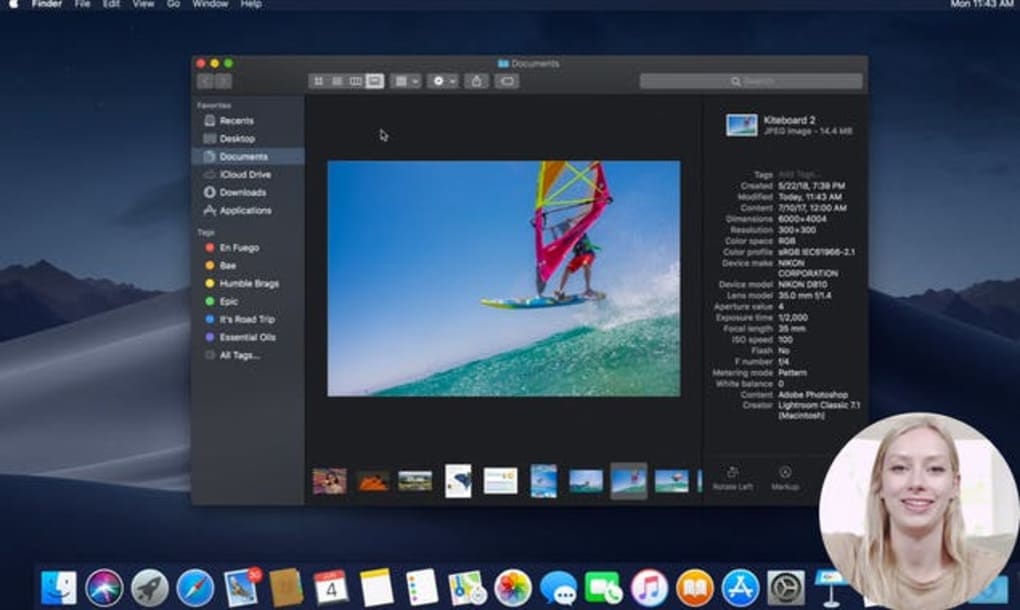
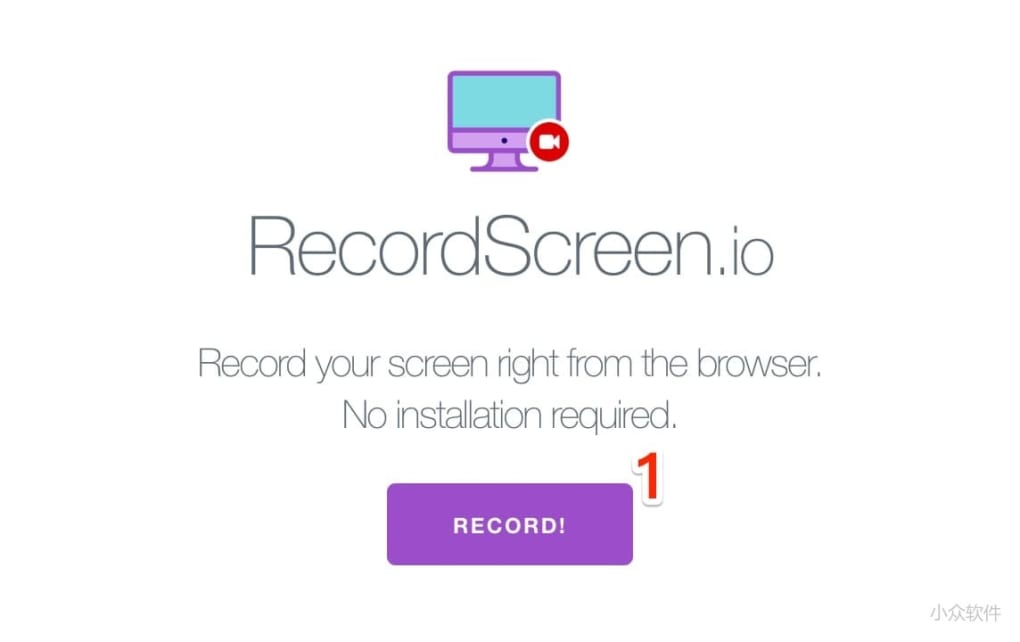
RecordScreen.io is a lightweight, browser‑based screen recorder that lets you capture video from any device without the need to download or install a bulky program. Designed for users who need a quick, secure, and completely free way to record tutorials, webinars, gaming sessions, or any on‑screen activity, the tool runs entirely in your web browser. You simply visit the RecordScreen.io website, click the bright “Record!” button, and the recording starts instantly.
Because the processing happens on the client side, there are no hidden watermarks, time limits, or mandatory upgrades unless you choose to unlock premium features. This makes RecordScreen.io an attractive alternative to traditional desktop recorders that often come with intrusive ads, forced registrations, or complex configuration steps. Whether you’re a student creating a presentation, a developer needing to demo a bug, or a remote worker preparing a walkthrough for teammates, RecordScreen.io delivers a smooth, hassle‑free experience that works on Windows, macOS, Linux, Android, and iOS—any platform that supports a modern browser.
Key Features & What Sets It Apart
- Zero‑Installation Required: Operates completely within Chrome, Edge, Firefox, or Safari, eliminating the need for admin rights or disk space.
- Free Unlimited Recording: No time caps, no watermarks, and no hidden fees for the core functionality.
- Cross‑Platform Compatibility: Works on Windows, macOS, Linux, Android, and iOS as long as the browser supports HTML5 and MediaRecorder APIs.
- High‑Definition Capture: Supports up to 1080p resolution and 60 fps, giving you crisp, professional‑looking videos.
- Audio Options: Record system audio, microphone input, or both simultaneously, ideal for voice‑over tutorials.
- Instant Export: Save recordings directly as MP4 or WebM files without additional conversion tools.
- Privacy‑First Design: All video data stays on the client side; nothing is uploaded to third‑party servers unless you choose to share.
- Simple UI: A single button start/stop interface makes it accessible for users of any skill level.
Pros
- Completely free with no hidden time limits.
- No installation, perfect for locked‑down workstations.
- Runs on virtually any modern browser and OS.
- High‑resolution output with customizable audio tracks.
- Privacy‑centric – recordings stay on your device.
Cons
- Requires an active internet connection to load the web app.
- Limited editing tools; you’ll need external software for post‑production.
- Advanced features like scheduled recordings are only in the paid tier.
Installation, Usage Instructions & Compatibility
Getting started with RecordScreen.io is intentionally straightforward. Follow these steps to begin recording in under a minute:
- Open Your Browser: Launch the latest version of Chrome, Edge, Firefox, or Safari on any operating system (Windows 10/11, macOS 12+, Linux distributions, Android 8+, iOS 13+).
- Navigate to the Site: Go to recordscreen.io. The page loads a clean interface with a large “Record!” button.
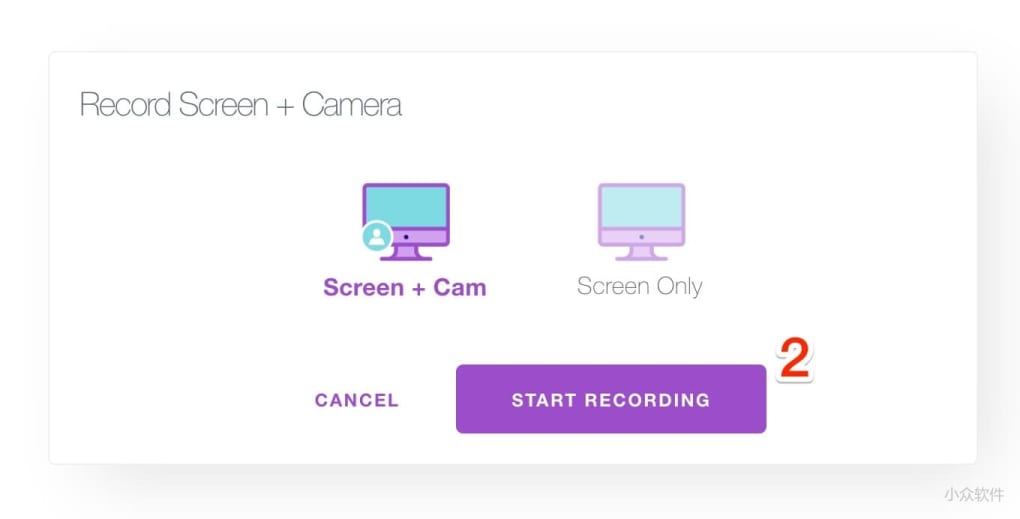
- Grant Permissions: When prompted, allow the browser to access your screen and microphone. You can choose to capture the entire screen, a specific window, or a browser tab.
- Configure Settings (Optional): Click the gear icon to select resolution, frame rate, and audio source. For most users, the default 1080p @ 30 fps with microphone audio works well.
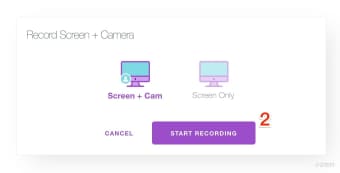
- Start Recording: Press the “Record!” button. A countdown appears, then the recording begins. A small floating toolbar lets you pause or stop at any time.
- Stop & Save: Click “Stop” when finished. A preview window appears; you can play back the video, then click “Download” to save the MP4 file directly to your device.
Compatibility Details: Because RecordScreen.io relies on the HTML5 MediaRecorder API, it runs on any platform that supports this standard. Desktop browsers on Windows, macOS, and Linux are fully supported. Mobile browsers on Android and iOS also work, though some older versions may lack the necessary API support. If you encounter a permission error, ensure your browser is up to date and that the site is allowed to access screen capture in your OS privacy settings.
Updates & Security: Since the tool is web‑based, updates are deployed automatically by the developers. You always get the latest features and security patches without having to manually download a new installer. The site uses HTTPS encryption, guaranteeing that the permission dialogs you see are genuine and not spoofed by malicious extensions.
Frequently Asked Questions
Is RecordScreen.io really free, or are there hidden costs?
The core screen‑recording functionality is completely free with no time limits, watermarks, or forced upgrades. A paid “Pro” tier exists for users who need advanced editing tools, scheduled recordings, or priority support, but none of these are required to produce high‑quality videos.
Can I record system audio on Windows or macOS?
Yes. On Windows, you can select “system audio” if your browser supports it (Chrome and Edge do). On macOS, you’ll need to enable “Screen Recording” with audio in System Preferences, then choose the appropriate audio source within the RecordScreen.io UI.
Do my recordings get uploaded to the cloud?
No. All video processing happens locally in your browser. The only data that leaves your device is the optional sharing link you generate if you choose to upload the file manually to a cloud service.
What video formats are supported for export?
RecordScreen.io exports recordings as MP4 (H.264) by default, which is compatible with virtually every video player and editing software. WebM is also available for users who prefer open‑source codecs.
Is there any limit on the length of a recording?
There is no artificial time limit imposed by the free version. The only practical restriction is the amount of RAM and disk space available on your device, as the video is stored temporarily in memory before you save it.
Conclusion & Call to Action
In a market flooded with heavyweight desktop applications, RecordScreen.io shines as a refreshingly simple, secure, and truly free solution for anyone who needs to capture their screen on the fly. Its browser‑only architecture eliminates the friction of installations, making it ideal for corporate environments with strict IT policies, educational settings where students share limited hardware, and casual users who just want a quick video without fuss. While it lacks built‑in editing tools and advanced scheduling features, these omissions are intentional trade‑offs for speed, privacy, and zero cost. If you value a lightweight workflow, high‑definition output, and the peace of mind that your recordings never leave your computer unless you decide so, give RecordScreen.io a try today.
Ready to start recording instantly? Download RecordScreen.io now and experience the convenience of a full‑featured screen recorder without any installation barriers. For power users, consider the affordable Pro upgrade to unlock premium features like background recording and custom branding. Happy recording!



.png)



